
Xbox Console Overheating Repair in Glasgow
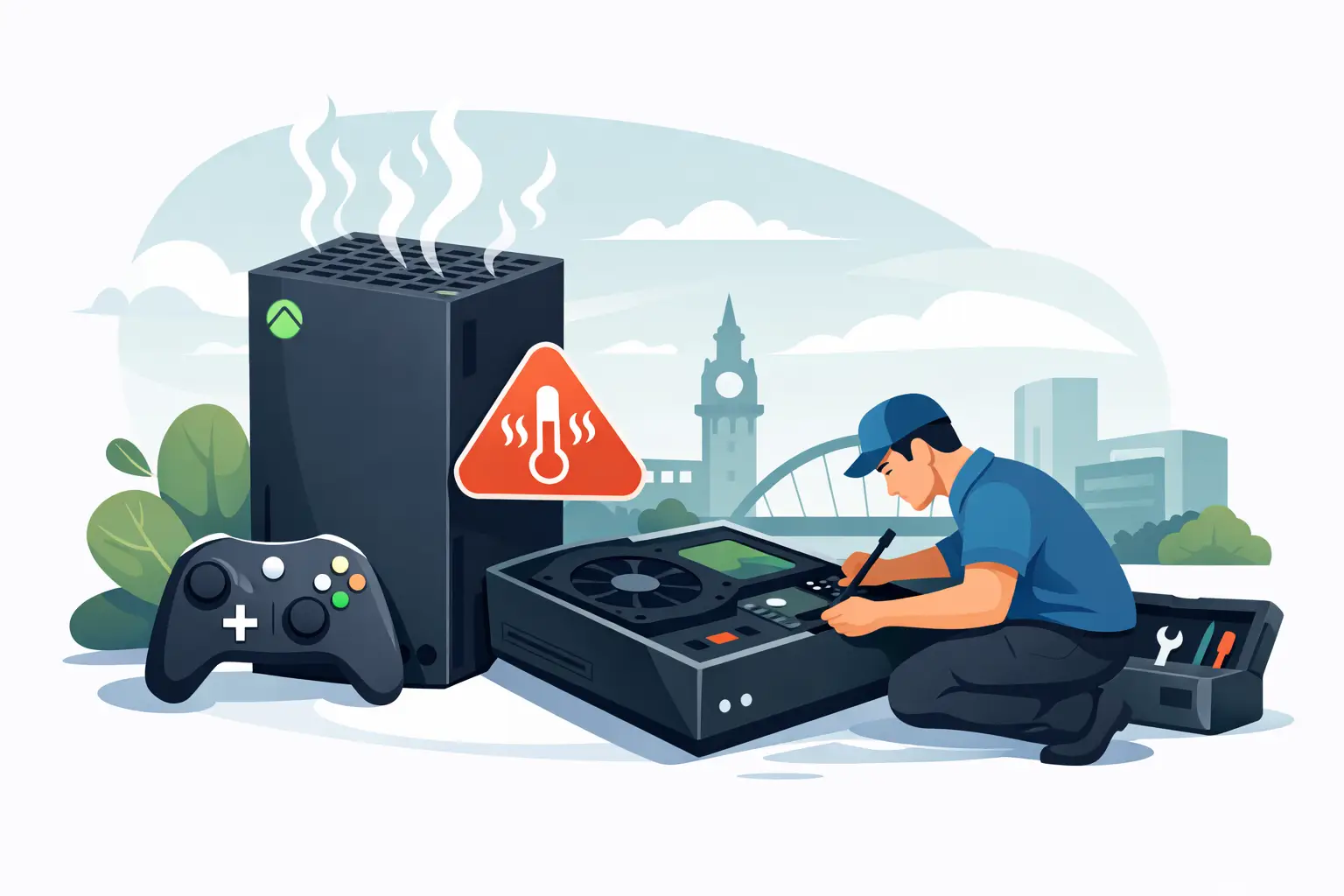
A console that shuts down halfway through a match is more than frustrating, especially when the warning on screen says it is not getting enough ventilation. Xbox console overheating repair is often needed when a simple airflow issue has developed into a fault with the fan, cooling system or internal dust build-up. The good news is that not every hot Xbox needs a major repair, but repeated overheating should never be ignored.
Xbox consoles naturally become warm during long gaming sessions. Games put the processor and graphics hardware under real pressure, particularly on Xbox Series X and Series S consoles. What is not normal is a console that regularly powers off, displays an overheating message, sounds much louder than usual or feels extremely hot around the vents. Acting early can help prevent a more expensive fault later.
Signs Your Xbox Is Overheating
The clearest warning sign is an automatic shutdown. Your Xbox is designed to protect itself, so it may switch off when internal temperatures climb too high. You may see a message asking you to improve ventilation before using the console again.
Other signs can be less obvious. The fan may run constantly at a high speed, the console may become noisy soon after starting a game, or performance may become unreliable. Some players notice freezing, crashes or games closing unexpectedly. These symptoms can also be caused by software or storage problems, so proper diagnostics matter before assuming the worst.
If the problem happens only after several hours of gaming in a warm room, placement may be the main issue. If it happens within minutes of turning on, or even while sitting on the home screen, there is more reason to suspect a cooling fault inside the console.
Check Airflow Before Booking an Xbox Console Overheating Repair
Start with the area around the console. Xbox Series X, Series S and Xbox One models need clear space around their intake and exhaust vents. Do not place the console inside a tight TV unit, on a thick carpet, directly beside a radiator or with clothes, papers or accessories covering the vents.
Move it onto a hard, flat surface with room for air to circulate. Leave a clear gap around the sides and rear, and make sure the warm air coming from the exhaust has somewhere to go. The Xbox Series X can be used vertically or horizontally, but its large top exhaust must remain unobstructed in either position.
Turn the console off fully, unplug it, and allow it to cool before checking the exterior vents. A soft, dry brush can remove visible dust from the outside. Avoid pushing objects through the grilles or spraying liquids into the console. Compressed air can shift dust deeper into the machine if used carelessly, and household vacuum cleaners can create static electricity. A quick clean around the vents is sensible; dismantling the console without the right tools is not.
It is also worth checking the room temperature. During a Glasgow heatwave, a console in a sunny spot or enclosed media unit can struggle more than usual. Better airflow may solve the issue in that situation. However, if overheating returns after the console has been moved and cleaned externally, it needs closer attention.
What Causes an Xbox to Overheat?
Dust is one of the most common causes. Over time, dust can collect on the fan and heatsink, restricting airflow and trapping heat inside the console. Homes with pets, carpets or frequent indoor dust can see this happen faster, but it affects any console eventually.
A failing fan is another likely cause. The fan may become noisy, run inconsistently or stop working altogether. In some cases, it is quiet because it is not spinning when it should be. A damaged fan should be replaced rather than ignored, as continued use can place unnecessary stress on the main board.
The thermal paste between the processor and its cooling system can also dry out over time. This material helps transfer heat away from critical components. Replacing it correctly is a specialist job: too little, too much, or poor reassembly can leave the console performing worse than before.
There can be other causes too. Liquid damage, a blocked heatsink, damaged internal connectors or a previous poor-quality repair may affect cooling. That is why a repair should begin with diagnosis, not guesswork. Replacing a fan will not fix a console with a deeper board-level fault, and an unnecessary repair is money wasted.
Why Repeated Shutdowns Should Not Be Ignored
One shutdown after a particularly long session does not always mean your Xbox is damaged. Let it cool, improve the ventilation and see whether the problem returns. Repeated thermal shutdowns are different. They are the console telling you that its safety system is being triggered.
Continuing to play through the problem can lead to more crashes and put internal components under ongoing heat stress. You may also find that the issue becomes harder to diagnose if the console is used until it no longer powers on properly. Switching it off and arranging a check is the sensible choice.
There is one exception worth mentioning: if your console has only just received an update and is behaving oddly, a full restart and software update check can be worthwhile once it has cooled down. But software will not cure a blocked vent, failed fan or worn thermal compound.
What a Professional Xbox Cooling Repair Involves
A proper overheating repair starts with checking the symptoms, airflow and fan behaviour. The console is then carefully opened using the correct tools, allowing the technician to inspect for internal dust, fan failure, heat damage and signs of liquid ingress.
Where appropriate, the cooling system can be cleaned, the fan replaced and thermal paste renewed. The console should then be reassembled and tested under load, rather than simply powered on for a few seconds. This helps confirm that the fan responds correctly and the console can maintain a safe operating temperature while gaming.
The exact repair depends on the model and fault. An Xbox Series X with a noisy or faulty fan may need a different part and approach from an Xbox One that has years of dust packed around its heatsink. If there is a fault beyond the cooling system, an honest repair service should explain that clearly and provide a quote before work goes ahead.
At ITSolutions, our local technicians diagnose Xbox overheating, power and HDMI faults for customers across Bishopbriggs and Glasgow. We keep the process straightforward: bring the console in, explain when the issue happens, and we will assess the fault before recommending the most cost-effective repair. Our no-fix-no-fee approach and 12-month repair warranty give you reassurance when your console needs more than a basic clean.
Can You Prevent Xbox Overheating in Future?
Good console placement does most of the work. Keep vents clear, avoid enclosed cabinets and give the Xbox a regular exterior clean. If you have recently moved your gaming set-up, check that cables, a soundbar or the back of a TV unit are not trapping hot air around the console.
Try not to run the console in a dusty corner of the room, and avoid placing it on bedding, cushions or carpet where lower vents can be blocked. A hard shelf or TV stand is usually a better choice. If you smoke indoors or have shedding pets, checking the external vents more regularly is worthwhile.
Most importantly, take overheating warnings seriously. Do not keep restarting the console and hoping it will get through another game. Let it cool, make the easy airflow checks, and arrange a professional inspection if it happens again. A timely repair can get you back to gaming without risking a bigger fault.