
PS5 HDMI Repair Versus Replacement Costs
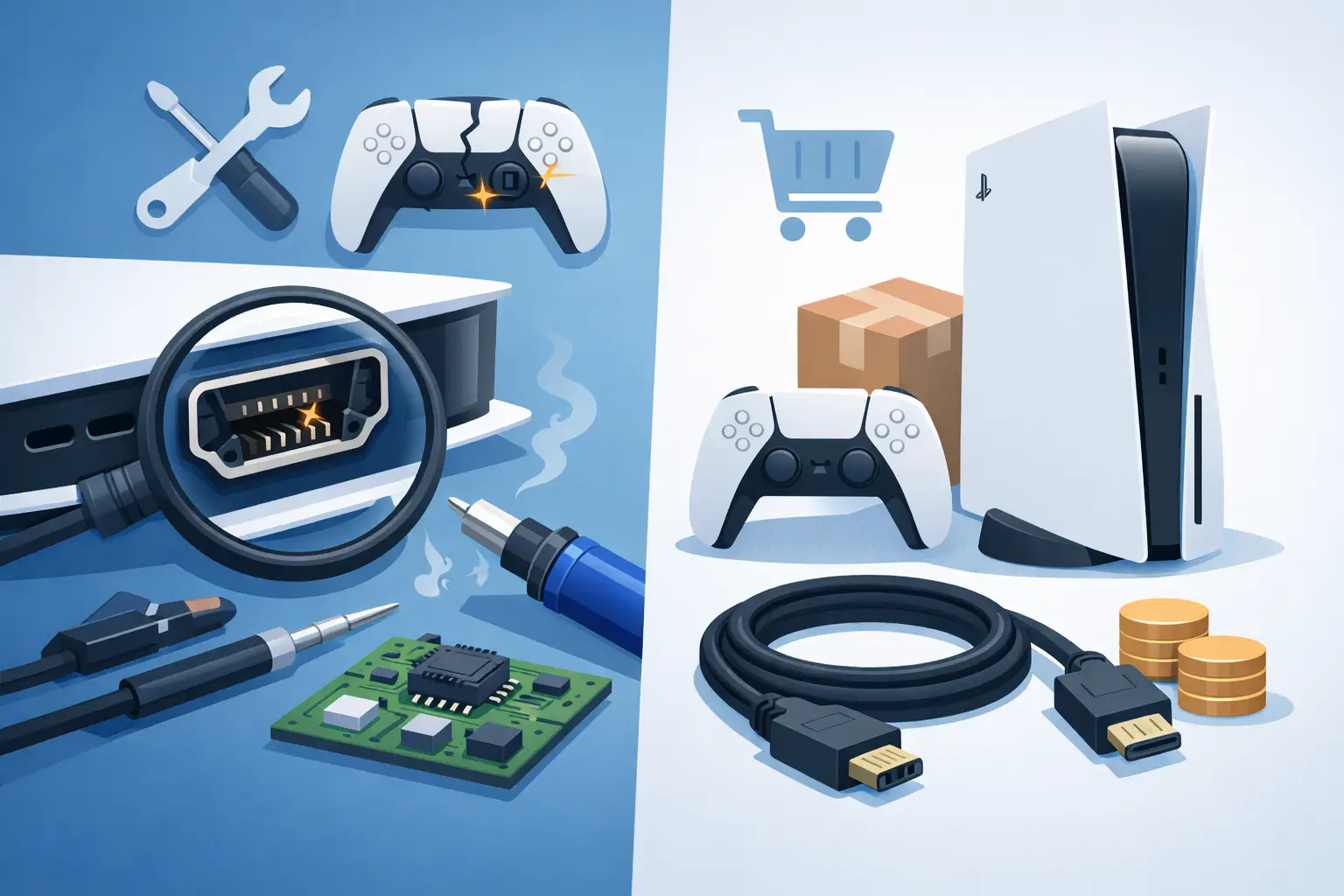
A PS5 that powers on but shows a black screen can turn a planned gaming night into a frustrating round of cable swapping. When comparing PS5 HDMI repair versus replacement, the key question is not simply whether the picture has gone. It is whether the fault is limited to the HDMI port or whether the console has suffered wider damage that changes the value of a repair.
For many Glasgow gamers, a damaged HDMI port is repairable and does not mean buying another console. A proper diagnosis helps you avoid replacing a PS5 when a targeted repair could have it back on the TV quickly.
What does PS5 HDMI repair involve?
The HDMI port is the small socket at the back of the PS5 that sends video and audio to your television or monitor. It is used every time you plug in, move or reconnect the cable, so it can be damaged by a pulled lead, a knocked console or repeated force on the plug.
An HDMI repair usually means replacing the damaged port with a new one. This is delicate board-level work, not a matter of pushing the old socket back into place. A technician needs to open the console, remove the faulty port safely, prepare the board and fit the replacement accurately. The connections then need to be tested properly to make sure the PS5 delivers a stable image and sound.
If the damage is confined to the port, this is generally the sensible option. You keep your own console, avoid setting up a replacement machine and spend less than the cost of buying another PS5.
Signs the HDMI port may be the problem
A loose HDMI cable, a bent port, missing internal pins or a connection that only works when held at an angle are strong signs of physical port damage. You may also see a flickering picture, coloured dots, a blank display or an intermittent signal message on the television.
Before assuming the port has failed, try a known-working HDMI cable and another HDMI input on the TV. If possible, test the console on a different screen. This rules out the simple causes without taking risks with the console itself.
Do not keep forcing a cable into a port that feels loose or blocked. A damaged connector can worsen, and forcing it may damage the board behind it as well.
PS5 HDMI repair versus replacement: the real choice
The phrase “replacement” can mean two different things. In most cases, it means replacing the HDMI port as part of a repair. In more serious cases, it means replacing the entire PS5. These are very different decisions.
Replacing only the HDMI port makes sense when the console otherwise works normally. It powers on, accepts discs where applicable, responds to the controller and shows no signs of overheating, liquid damage or electrical faults. The repair is focused, retains the value of the console and is usually far more affordable than buying a replacement unit.
Replacing the console may be worth considering if there are multiple faults at once. For example, the PS5 may have suffered a major drop, liquid exposure, severe overheating, a power fault and HDMI damage. It may also be the practical answer if the internal video circuitry has failed and the cost of extensive board-level work is close to the value of another console.
That said, no picture does not automatically mean the internal graphics hardware has failed. HDMI ports are a common point of damage, particularly when a console is moved regularly between rooms, taken to a friend’s house or used in a busy family living room.
When a port replacement is usually the better value
A professional HDMI port replacement is often the better route when the PS5 has one clear, physical fault. You are paying for skilled work and a quality replacement part rather than starting again with another console of unknown history.
There are practical benefits too. A replacement PS5 can mean transferring games, restoring saved data and downloading updates again. If your console will not display anything, moving data can be more difficult than expected. Keeping the original machine avoids much of that disruption once the repair is complete.
It also gives you certainty about the work carried out. A clear repair quote should explain what is being diagnosed, what part is being replaced and what happens if the fault turns out to be more involved. A reputable local repair service will not present an HDMI repair as guaranteed before checking the console.
At ITSolutions, PS5 HDMI work is assessed before repair, with clear pricing, a no-fix-no-fee approach and a 12-month warranty on repairs. That matters when you need an answer you can trust, not a guess based on a black screen.
When replacing the whole PS5 can be sensible
There are times when console replacement is the more practical choice. If a diagnostic inspection finds damage beyond the HDMI port, the decision should come down to repair cost, the condition of the console and how long you intend to keep it.
A PS5 with extensive liquid corrosion may work temporarily after a repair but develop further faults later. A console with a damaged motherboard, failed power components and a broken port is a different proposition from one with a single bent HDMI socket. In that situation, putting money towards another console may offer better long-term value.
The condition and age of the replacement also matter. A used console may be cheaper upfront, but it can come with wear, fan noise, controller issues or no meaningful warranty. A repair quote lets you compare like for like rather than assuming replacement is automatically safer.
If your PS5 is still under a manufacturer or retailer warranty, check its terms before arranging third-party work. Physical HDMI damage is not always covered, but opening or repairing the unit outside those channels may affect remaining cover.
Why diagnosis comes before a price decision
A reliable diagnosis separates an HDMI port fault from a cable, display setting or internal board issue. The symptoms can look similar from the sofa, but the repair needed can be very different.
A technician will inspect the port for visible damage, test the HDMI connection and check whether the console is booting as expected. If a port replacement is appropriate, you should receive a straightforward quote before work begins. If testing shows wider damage, you can decide whether repair still represents good value.
Be cautious of anyone who offers a fixed price without asking about the fault or inspecting the console. There is a difference between a port that has come loose and a board with damaged HDMI circuits. Honest repair advice acknowledges that difference.
Avoiding further HDMI damage after repair
Once the console is working again, a few small habits can protect the new port. Leave enough room behind the PS5 so the cable is not pressed hard against a wall. Avoid moving the console with the HDMI cable connected, and hold the plug itself when disconnecting it rather than pulling the lead.
Choose a cable that fits securely without excessive force. If your setup is frequently moved, consider arranging the cable so it has a little slack rather than being stretched tight behind furniture. These details sound minor, but most physical port damage happens during everyday use rather than while gaming.
For households with younger children, it also helps to keep the PS5 somewhere the cable cannot be knocked or tugged accidentally. A stable stand and a clear space around the back of the console reduce the chance of another costly interruption.
Getting the right outcome for your PS5
A black screen is stressful, especially if your games and weekend plans are tied to that console. But it does not usually mean the PS5 is finished. If the HDMI port is the only issue, targeted repair is often the faster, more affordable answer. If inspection reveals multiple serious faults, you deserve a clear explanation before spending money on work that may not make financial sense.
Bring the console in with its HDMI cable if you can, and describe exactly what happened before the picture disappeared. Whether the cable was pulled, the console was dropped or the display failed without warning, those details help point the diagnosis in the right direction and get you back to gaming with less delay.