
PS5 HDMI Repair for Glasgow No Signal Faults
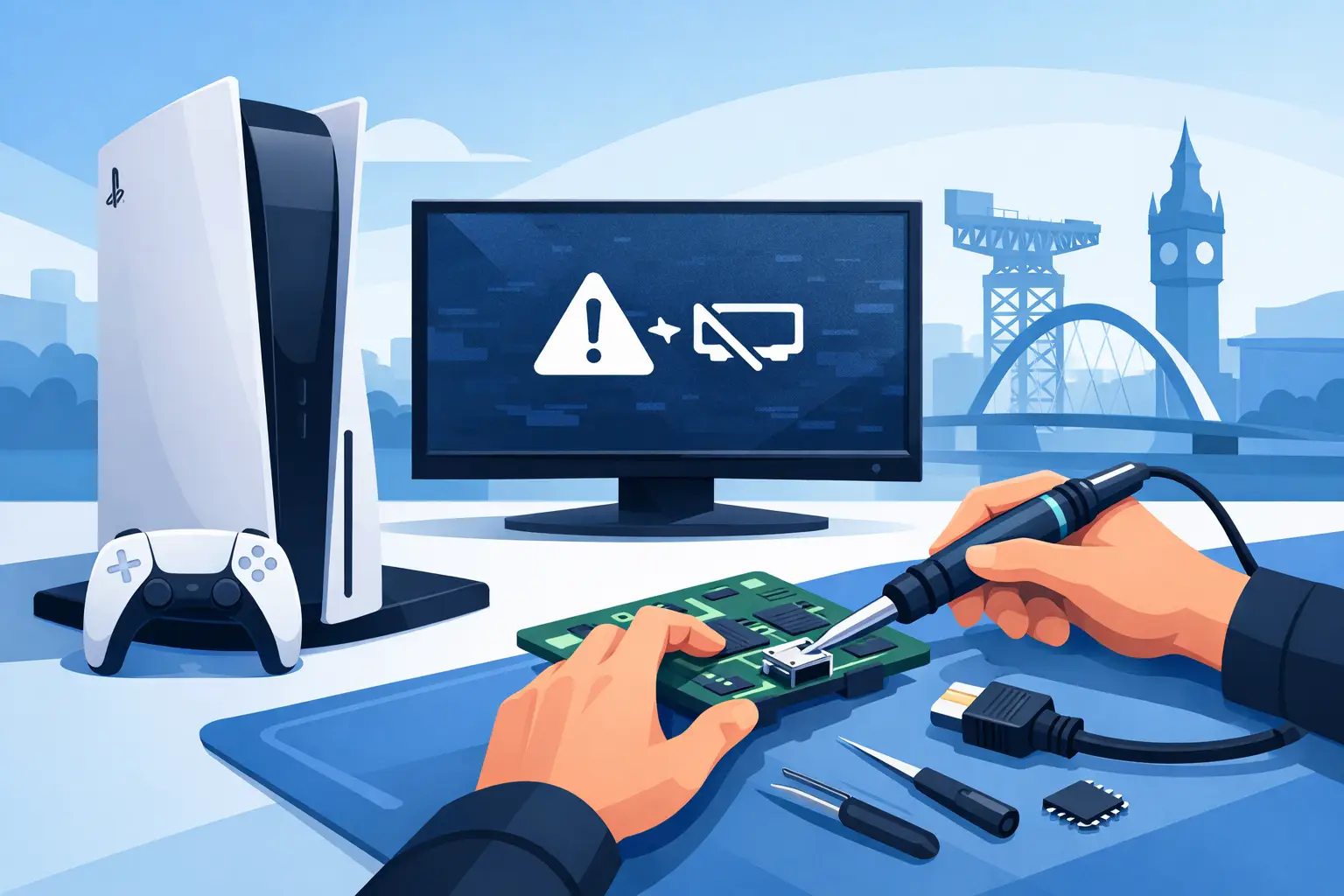
Your PS5 powers on, the controller connects, and you can hear the familiar startup sound - but the television only shows a black screen or “No Signal”. It is a frustrating fault, especially when a loose or damaged connection is the likely reason your console will not display. Professional PS5 HDMI repair can often save the console from being replaced and get you back to gaming without the uncertainty of a temporary fix.
HDMI faults are common on consoles that are moved between rooms, taken to a friend’s house, stored tightly in a TV unit or accidentally knocked while a cable is connected. The good news is that a no-signal issue is not always a major console failure. A proper diagnosis separates a faulty lead or TV setting from an HDMI port that needs specialist repair.
Signs Your PS5 May Need HDMI Repair
The clearest sign is a PS5 that turns on normally but produces no picture on a television or monitor known to be working. You may also see a flickering image, coloured specks, picture drop-outs, a distorted display or a screen that only works when the cable is held at a certain angle.
Look closely at the HDMI port on the back of the console without forcing anything into it. A damaged port can look bent, pushed in, loose or uneven. You may notice that the HDMI cable does not sit firmly, or that it slips out more easily than it should. Bent pins inside the port are another common issue, although they are not always visible without proper inspection.
It is worth remembering that no signal does not automatically mean the port is broken. A faulty HDMI lead, an incompatible display setting, a problem with the television input or, less commonly, an internal display circuit fault can create similar symptoms. That is why replacing the port without testing the console first is not the right approach.
Quick Checks Before Booking a PS5 HDMI Repair
A few safe checks can rule out the simple causes. Try a different HDMI cable that you know works, and connect the PS5 directly to the TV rather than through a splitter, receiver or capture device. Check that the television is set to the correct HDMI input and test another device in that input where possible.
It can also help to try the console on a different television or monitor. If the PS5 displays normally elsewhere, the issue may be with the original screen, cable or its settings rather than the console itself. If there is still no picture, listen for the console starting as usual and check whether the controller can connect. Those details help a technician narrow down the fault.
Avoid repeatedly pushing, twisting or wiggling the cable in the port. This can turn a small pin problem into a more serious repair. Do not use glue, tape, pins or household tools inside the HDMI socket either. The port is mounted to the main board with very small connections, and any extra damage can increase the work required.
What Happens During a PS5 HDMI Port Repair?
A proper repair begins with testing. The console, cable and display connection are checked to confirm where the fault sits. If the port is damaged, the console is opened carefully and the affected HDMI socket is removed using specialist board-level equipment.
The replacement port is fitted precisely, with the connections inspected under magnification. The board is then tested to make sure the image is stable and that the port holds the cable securely. A good repair is not simply about getting one picture on screen. It should support a reliable connection for normal gaming, menus and loading screens without random signal loss.
In some cases, the HDMI port is intact but the damage extends to components around it or to the HDMI display circuit. This is less common, but it is why a clear diagnostic matters. An experienced repair shop should explain the confirmed fault and provide a transparent quote before proceeding, rather than treating every black screen as the same problem.
Why PS5 HDMI Faults Happen
The PS5 HDMI port is durable enough for everyday use, but it is still vulnerable to sideways pressure. A cable pulled while the console is on a shelf, a heavy lead hanging at an angle, or moving the console with the cable attached can bend the internal pins or loosen the socket.
Tight entertainment units can contribute too. When there is little space behind the console, the cable may be pushed sharply against a wall or cabinet. Over time, that pressure can affect the connection. Young children, pets and busy households can also mean a console gets bumped more often than expected.
Using a good-quality cable that reaches comfortably helps, but the main protection is simple: leave enough room behind the PS5, support the console when connecting or disconnecting leads, and pull the connector rather than the cable itself. If the plug ever feels difficult to insert, stop and check the orientation instead of forcing it.
Repair or Replace: Which Makes More Sense?
For many Glasgow gamers, repairing a damaged HDMI port is more practical than replacing the entire console. A PS5 is still a significant purchase, and a display issue does not necessarily affect its storage, controller connection, games or general performance. If diagnosis confirms a port fault and the rest of the console is healthy, repair can be the sensible option.
The decision depends on the full condition of the console. If there are several serious issues, such as liquid damage, repeated overheating, power faults and a damaged port, the overall cost needs to be considered honestly. But where HDMI is the only fault, a specialist repair is usually far less wasteful than buying another console.
Manufacturer routes can sometimes involve longer turnaround times or replacement options that do not suit a household with games, accessories and saved data tied to the existing machine. A local repair service gives you the chance to discuss the fault directly, understand the quote and choose the next step without technical jargon.
Choose a Repair Service That Tests Properly
HDMI work is delicate board-level repair, not a job for a quick connector swap. Look for a physical local shop that can inspect the console, explain the likely cause and stand behind its workmanship. Ask whether the repair includes testing after the work is complete and whether a warranty is provided.
ITSolutions serves Bishopbriggs, Glasgow, Robroyston, Stepps, Springburn and Lennoxtown with professional console diagnostics and repairs. With a no-fix-no-fee approach, clear quotes and a 12-month warranty on repairs, you can bring in a PS5 no-signal fault without committing to work before the problem has been assessed.
Same-day turnaround may be possible for common faults, but it depends on the condition of the console, the diagnosis and parts availability. A reputable technician will be straightforward about timing rather than making promises before inspecting the device.
Common Questions About PS5 HDMI Problems
Can a damaged HDMI port cause a black screen?
Yes. If the pins inside the port are bent, broken or not making a stable connection, the PS5 may power on but be unable to send picture or sound to the display. Flickering and intermittent signal loss can point to the same issue.
Can I replace the PS5 HDMI port myself?
It is not recommended unless you have board-level repair experience and the correct equipment. The port has many small solder points and sits close to sensitive components. Attempting a repair with a basic soldering iron can lift pads from the board or create further faults.
Will an HDMI repair affect my games or saved data?
An HDMI port repair focuses on the display connection and should not affect your installed games or saved data. However, it is always sensible to keep your saves backed up where possible, particularly if the console has other faults or has been exposed to liquid.
Why does my PS5 work with one cable but not another?
The cable may be faulty, poorly fitted or unable to maintain a reliable connection. A worn port can also appear to work with one cable because its connector happens to sit more tightly. Testing with known-good cables is the best way to separate the two possibilities.
A black screen does not have to mean the end of your PS5. Stop forcing the connection, note the symptoms you are seeing and arrange a proper diagnosis. The right repair can turn a frustrating no-signal message back into a console ready for the next game night.