
Phone Charging Port Repair When It Stops Working
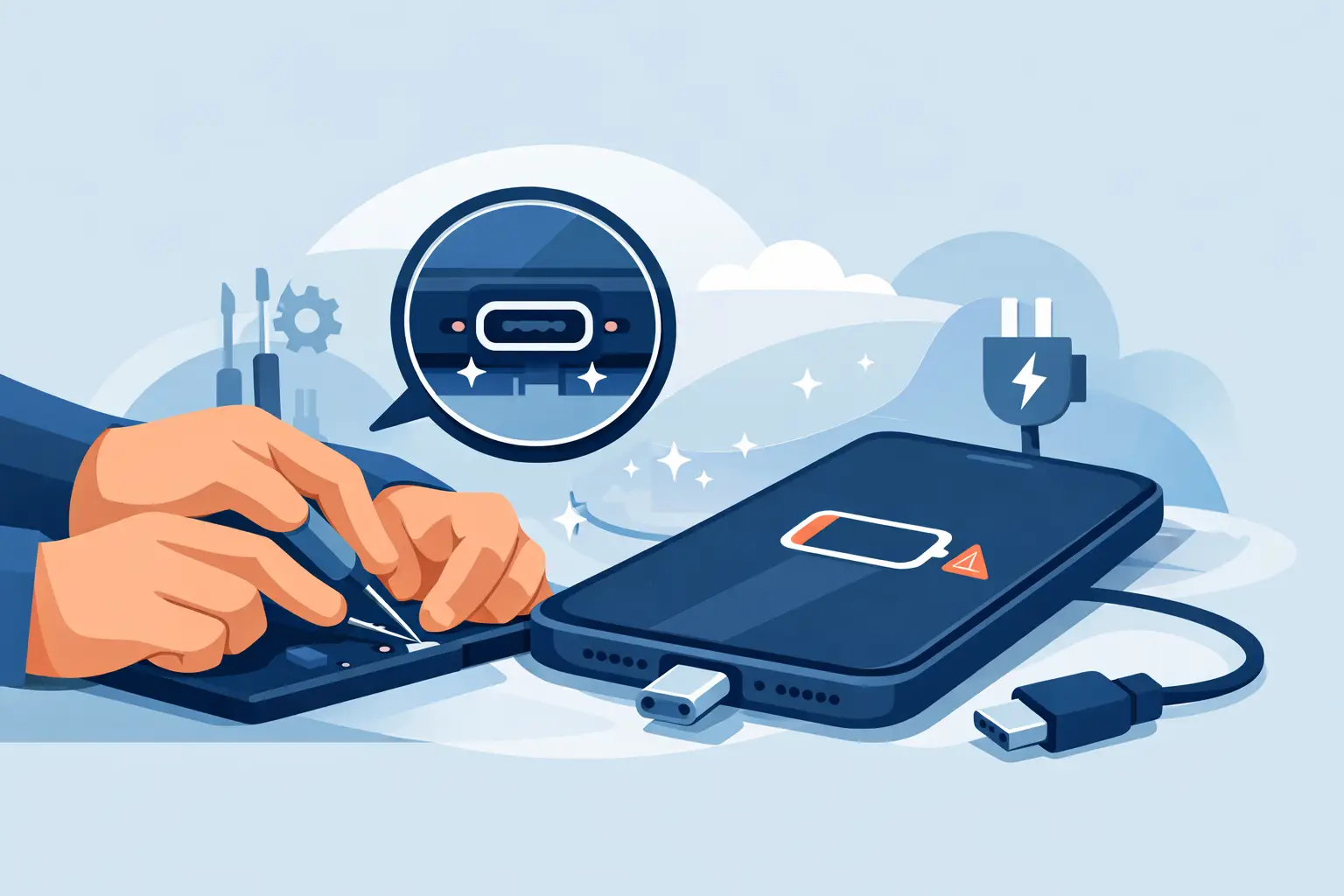
Your phone cable should click into place and start charging without a second thought. When it only works at a certain angle, keeps disconnecting or will not charge at all, phone charging port repair may be the practical answer - rather than replacing a phone that is otherwise working perfectly.
For many people across Bishopbriggs and Glasgow, a charging fault becomes urgent quickly. Your phone is your alarm, bus ticket, bank card, work contact and way of reaching family. The good news is that a poor connection does not automatically mean the device has reached the end of its life. A careful diagnosis can identify whether the issue is dirt in the port, a damaged cable, a worn charging socket or a deeper power fault.
Signs You May Need Phone Charging Port Repair
The most familiar sign is a cable that feels loose. You plug it in, the charging symbol appears, then disappears when you set the phone down. You may find yourself holding the cable in one position or trying several leads before it responds. That is frustrating, but it is also a reason to stop forcing the connection. Repeated pressure can turn a minor fault into more extensive damage.
Other signs include very slow charging with a known-good charger, a phone that will only charge wirelessly, or a warning that moisture or debris has been detected. Some devices stop recognising a computer connection as well as refusing to charge. If the port looks bent, blackened or corroded, book a repair promptly.
Heat is another warning sign. A little warmth while fast charging can be normal, but a hot connector, burning smell or visible discolouration is not. Disconnect the charger straight away and do not keep testing it. This needs professional assessment before the phone is charged again.
Start With the Simple Checks
Before arranging a repair, it is worth ruling out the easy causes. Try a different cable and wall plug that you know work properly. Cables often fail internally near the connector, even when their outer covering looks fine. Also try a different wall socket, particularly if the fault started suddenly.
Look into the charging port under a bright light. Pocket fluff is one of the most common causes of a loose connection. Over time, lint can become tightly packed at the bottom of a Lightning or USB-C port, preventing the plug from reaching its proper position.
Do not use a metal pin, paperclip, knife or anything that can scrape the contacts. It is very easy to damage tiny connection points or push debris further in. Avoid putting liquids, compressed air at close range or cleaning sprays into the port too. If a gentle visual check does not make the cause obvious, it is safer to have the device inspected.
A restart can occasionally resolve a software-related charging display issue, but it will not fix a physically loose socket or damaged connector. If you have already tested a reliable cable and plug, do not spend days repeatedly unplugging and reconnecting the phone. A quick diagnosis is usually less stressful than waiting until the battery reaches zero.
Why ports fail
Charging ports are used every day and take more wear than most parts of a phone. Pulling a cable from the lead rather than the plug, using a bent connector or charging while the phone is under a pillow can all add strain. A fall with the cable attached can loosen the internal port assembly, while water exposure can cause corrosion that develops over days or weeks.
The type of phone matters too. Some models have a charging port that can be replaced as a separate component. On others, the repair is more involved because the port connects closely with microphones, charging circuitry or the main board. This is why a proper inspection matters more than an online guess based on one symptom.
What Happens During a Charging Port Repair?
A good repair starts with testing, not assumptions. A technician checks the cable connection, charging behaviour and the condition of the port. They will also consider battery health, liquid damage and any previous repair work. A phone that appears not to charge may have a failing battery, damaged power-management circuitry or a fault caused by a drop.
If debris is the only issue, professional cleaning may restore a firm connection. If the port is damaged or worn, the faulty component can be replaced using quality parts suited to the device. The phone is then tested for stable charging, data connection where applicable, microphone operation and general function before it is returned.
At ITSolutions, the aim is to explain the fault clearly before work begins. You should know what is being repaired, what it will cost and whether the repair is worthwhile for your particular phone. Common faults can often be completed the same day, subject to the model, the severity of damage and parts availability. Every repair is backed by a 12-month warranty, and the no-fix-no-fee approach keeps the decision straightforward.
Will my data be safe?
Charging port work does not normally require your photos, messages or apps to be erased. However, any electronic repair carries a small risk, especially where there has been liquid damage or an existing fault. If your phone still turns on, back it up before bringing it in where possible.
Do not delay a backup simply because the phone is charging intermittently. Use the time it has left on battery to save important information to your preferred backup service or another device. If the battery is already flat, let the technician know that your data is important so they can advise on the best next step.
Repair or Replace? Make the Sensible Choice
A charging issue alone is rarely a good reason to replace a recent phone. If the screen, battery and performance are otherwise in good condition, repairing the port can offer much better value than buying a replacement. It also avoids the inconvenience of transferring data, setting up banking apps and finding a new case and accessories.
There are cases where replacement may make more sense. An older handset with major screen damage, poor battery life, liquid corrosion and a charging fault may need several repairs at once. In that situation, an honest quote lets you compare the total cost against a quality used phone. The right choice depends on the phone’s age, condition and how you use it each day.
Be cautious with cheap charging-port repair kits and online videos. Modern phones are tightly built, with delicate flex cables, adhesives and screws that require the right tools. An attempted home repair can damage the screen, battery or internal board, and it may make later professional repair more difficult. Saving a little at the start can become expensive if the fault worsens.
Preventing Another Charging Fault
Once your phone is working again, a few habits can help protect the port. Use a good-quality cable that fits securely, and replace it if the connector is loose, frayed or overheating. Hold the plug itself when unplugging rather than pulling the cable.
Keep the phone out of dusty pockets or bags where possible, and avoid charging it near sinks, baths or drinks. If the phone gets wet, do not connect power while it is damp. Switch it off if you can, remove any case and arrange an assessment instead of trying to dry it with heat or rice.
Wireless charging can reduce daily wear on a compatible port, but it is not a cure for an existing fault and it can be slower than wired charging. It works best as a convenient option at home or overnight, while a healthy wired connection remains useful for fast charging and data transfer.
If your phone only charges when the cable is held at an angle, do not wait for the battery to fail completely. A prompt inspection gives you the best chance of a simple, affordable repair and gets one essential part of your day back to normal.